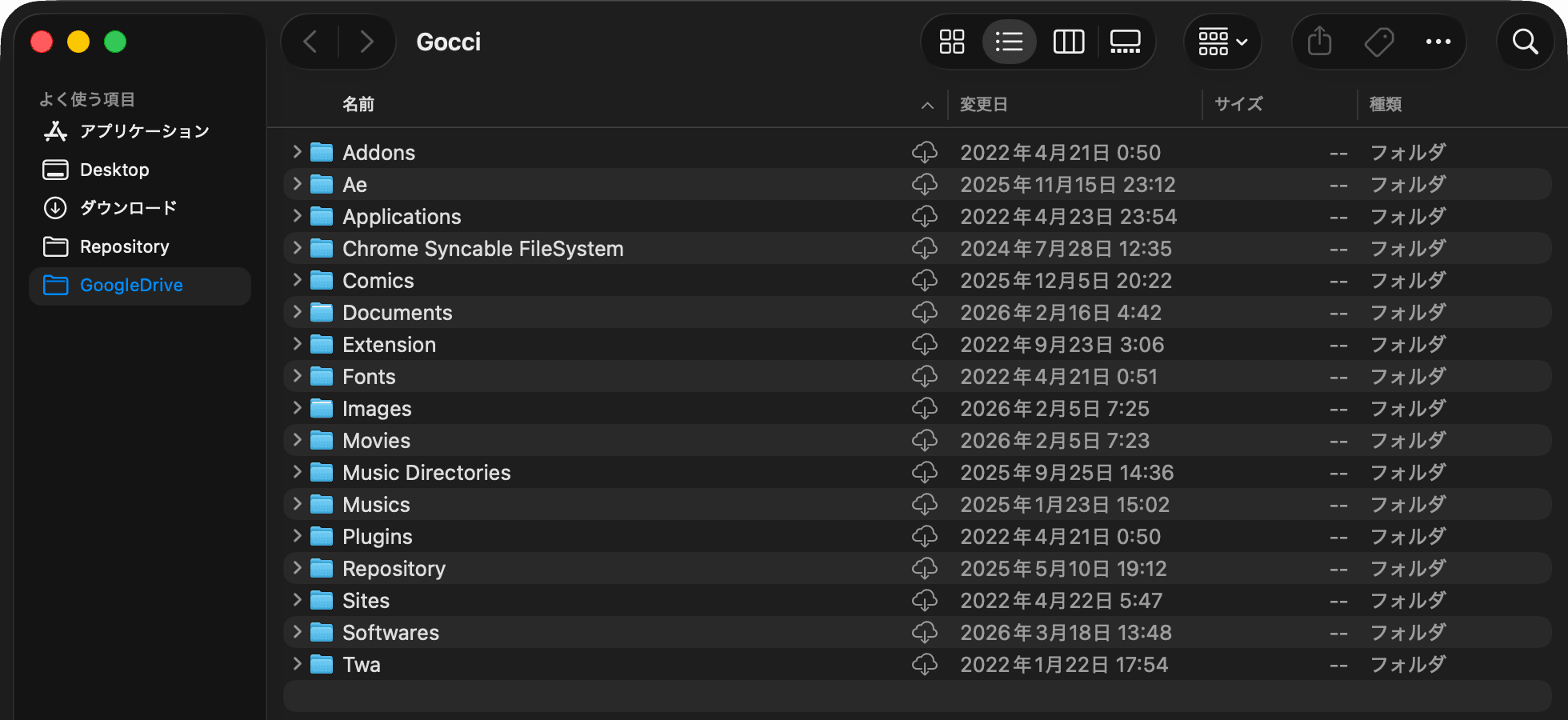
Mount it on an external disk. No kernel extension. No clutter from files other people shared with you.
Free and open source. The first launch shows an "unidentified developer" warning
The internal disk was full, so Google Drive had to live on an external one. No tool would do it.
You cannot choose where it mounts. It lands on the internal disk, which had 42 GB free.
Its docs say a custom mount location is not honoured on macOS — it is always ~/Library/CloudStorage.
The location is yours to pick. But every file you ever opened through a share link is listed at the top of the drive, with no setting to hide them.
An external disk, or any folder you like. It mounts at login, and waits for the disk if it is not plugged in yet.
It runs on rclone's NFS mount. Nothing to install, nothing to approve, no reboot. Just the app.
Files other people shared with you are not listed. What you see matches My Drive in the browser.
A badge per file: cloud only, downloading, or fully here. Right-click to send one back to the cloud.
A mark in the menu bar is all that stays on screen. The settings fit on one panel.


rclone serves NFS on localhost and macOS mounts it. Files come down when you open them and stay in a cache. How long they stay, and how large the cache may grow, are yours to set.
Download the DMG and drag Gocci into Applications. The first launch is met with an "unidentified developer" warning — allow it from System Settings → Privacy & Security.
Create a drive remote with rclone config, and make your own client ID while you are there (rclone's shared one stops working during 2026).
Choose the mount point in Gocci's settings. From then on it mounts there every time you log in.